The brief
Turn a repurposed workstation into a server for family file storage, media, websites and automated backups. This needed to work for four family members, so maintenance and recovery mattered alongside getting the services running.
Hardware and architecture
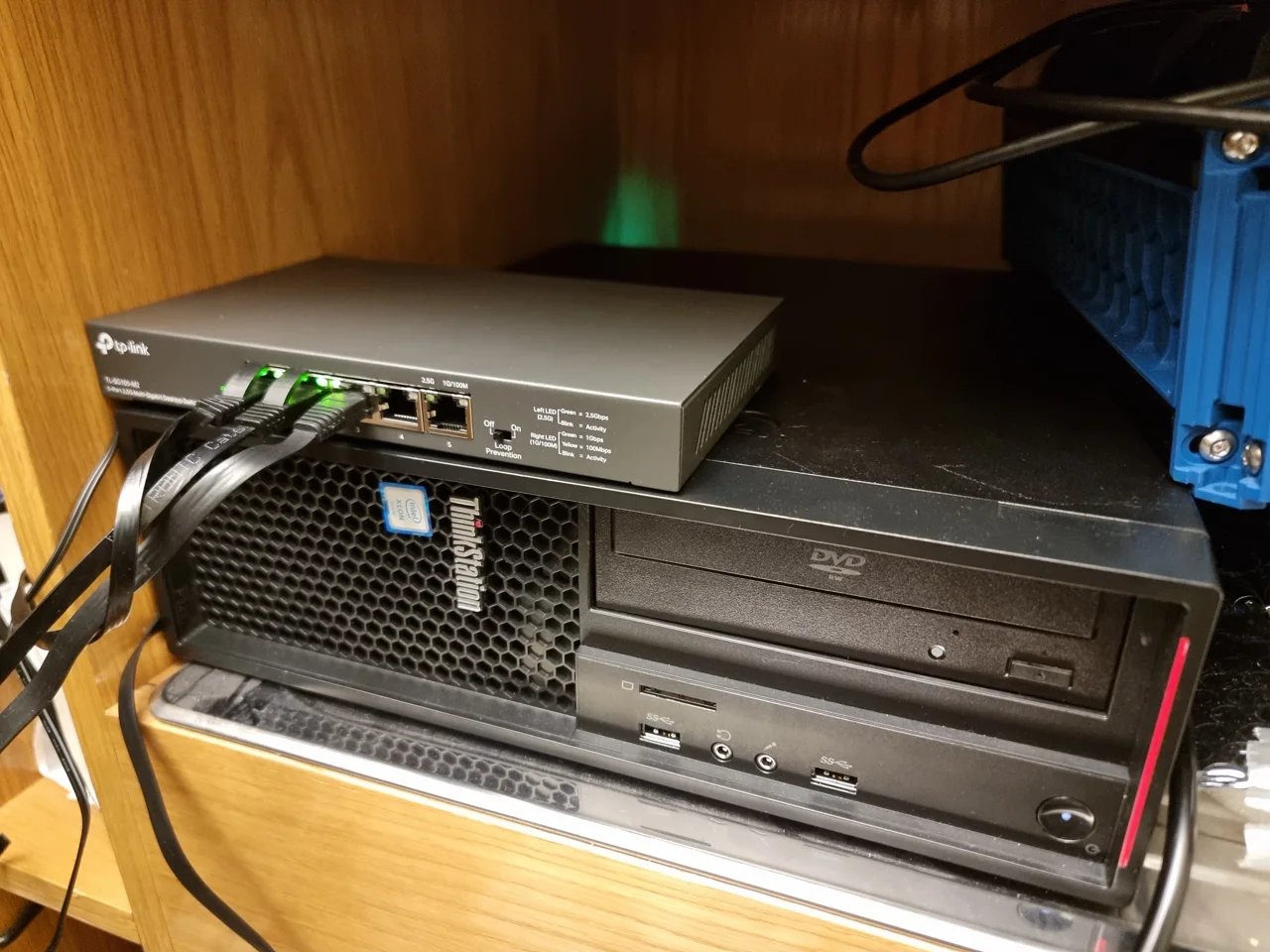
The machine is a Lenovo ThinkStation running Proxmox VE, with services deployed through Docker Compose inside an LXC container. An Nvidia GPU handles video transcoding for Jellyfin.
| Part | Configuration |
|---|---|
| Processor | Intel Xeon E3-1230v5 |
| Memory | 16 GB DDR4 |
| System drive | 500 GB SSD |
| Media drive | 500 GB HDD |
| Main storage | 8 TB HDD for Nextcloud and website files |
| Graphics | Nvidia RTX 3050, used for hardware transcoding |
| Network | 2.5 GbE connection and switch |
I separated the system, media and main storage. Redirecting the transcoding cache was especially useful after a streaming session filled the container’s allocated disk space.
Getting GPU access working
The most involved part was making the GPU available to Docker inside LXC. I worked through host drivers, device passthrough and the libraries visible inside the container.
The practical issues were:
- Driver and kernel compatibility. An updated kernel broke the working Nvidia setup. I recovered the server and pinned the known working kernel while resolving the compatibility issue.
- Device creation at startup. The GPU’s UVM device nodes needed to exist before the container started. I configured a host service to create them during boot.
- Library mismatches. I aligned the libraries used in the container with the driver on the host.
The result was working hardware transcoding in Jellyfin. The important lesson was to check the startup sequence as well as the first successful test.
Services and backups
| Service | Use |
|---|---|
| Nextcloud and MariaDB | File storage and synchronisation for four family users |
| Jellyfin | Media playback with hardware transcoding |
| Nginx Proxy Manager | Routing and certificates |
| Portainer | Docker stack management and inspection |
| Duplicati | Automated nightly encrypted backups to AWS S3 Glacier Deep Archive |
| Cloudflare Tunnel | Routing external traffic through an outbound connection |
I deployed the services as Compose stacks so their configuration was repeatable. The backup setup covers family data, website files and service configuration. Its recovery process is something to keep reviewing as the amount of stored data grows.
Networking and websites
I configured Cloudflare Tunnel and Zero Trust Access across five domains, and migrated four websites from Vercel to self-hosted Nginx containers. The tunnel removes the need for inbound port forwarding on the home router; access policies protect sensitive interfaces.
| Website | Type |
|---|---|
| hishaamabbasi.co.uk | Engineering portfolio, built with Astro and Tailwind |
| madebylayers.co.uk | E-commerce website |
| sarashan.com | Wedding gallery |
| abbasiholiday.co.uk | Family travel timeline |
I also resolved large-upload timeouts in Nextcloud by adjusting its PHP limits and checked the interaction between the proxy, tunnel and application.
What I learned
Running services that other people use changes the priorities. A successful installation is the beginning: startup order, storage limits, compatibility changes and recovery are what determine whether it keeps working.
This project gave me sustained experience with Linux, containers, networking and fault diagnosis. It also taught me to keep configuration understandable enough to return to after an interruption or an unexpected failure.